How Do I Find Out What Paths People Take Before They Buy or Sign Up?
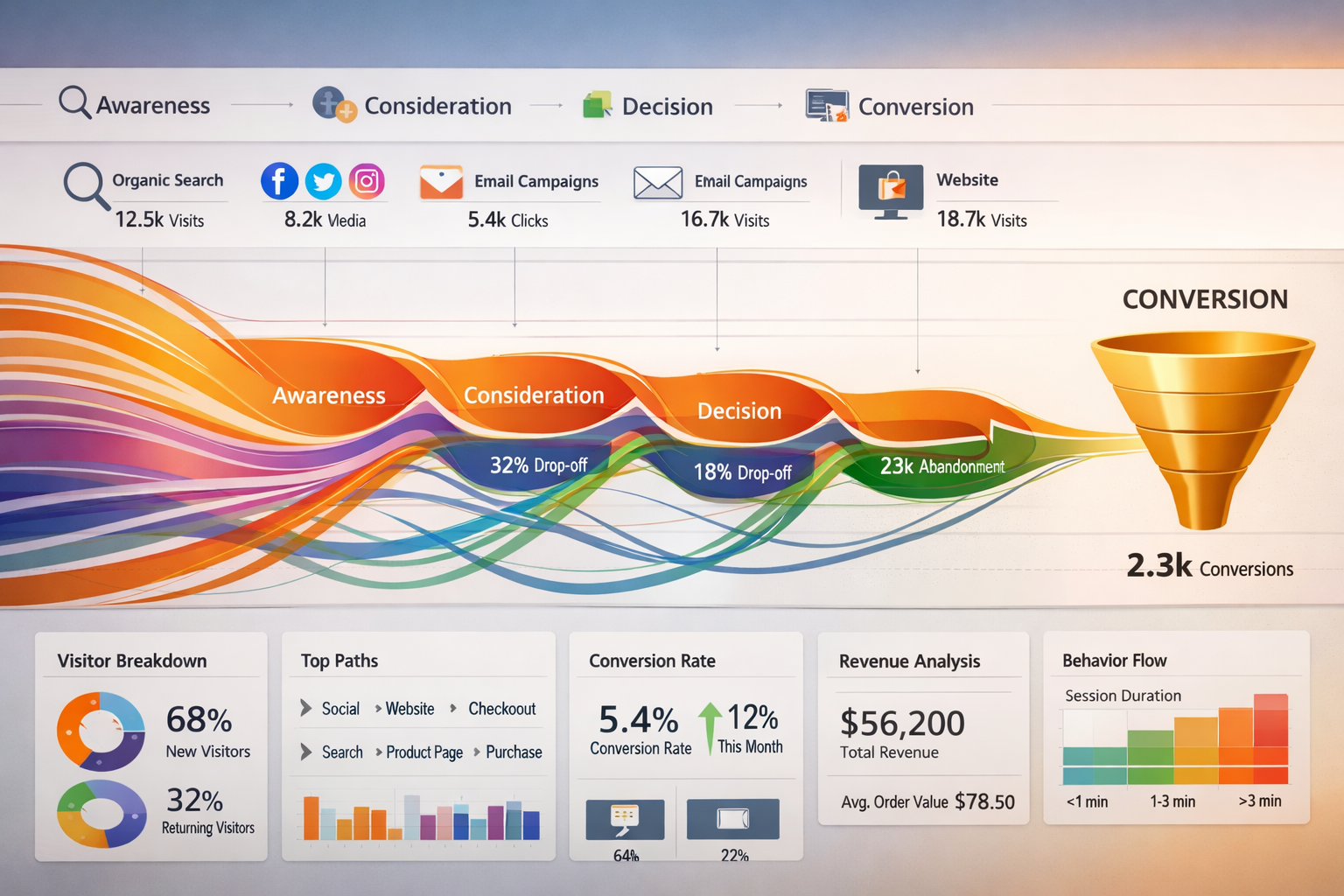
Most business owners look at their sales numbers and wonder: where did these customers actually come from?
You see the final conversion. Someone bought. Someone signed up. But what happened before that moment? Did they find you on Google, then leave, then come back through an email? Did they see a social post, visit three different pages, then return a week later?
Understanding how do I find out what paths people take before they buy or sign up isn't just curiosity. It's the difference between guessing what works and actually knowing.
The journey from stranger to customer rarely happens in one click. People bounce around. They research. They compare. They forget about you and come back later.
If you can see those paths, you can do more of what works and stop wasting time on what doesn't.
Key Takeaways
- Customer journeys are rarely linear – most people visit multiple times through different channels before converting
- Free tools like Google Analytics 4 can track basic paths – but you need to set them up correctly to see the full picture
- Attribution models show which touchpoints deserve credit – helping you understand what actually drives conversions
- Path analysis reveals hidden patterns – like which content combinations lead to sales or which channels work together
- Tracking doesn't require complex systems – start simple, focus on the paths that matter most to your business
Why Most Business Owners Can't See the Full Customer Journey
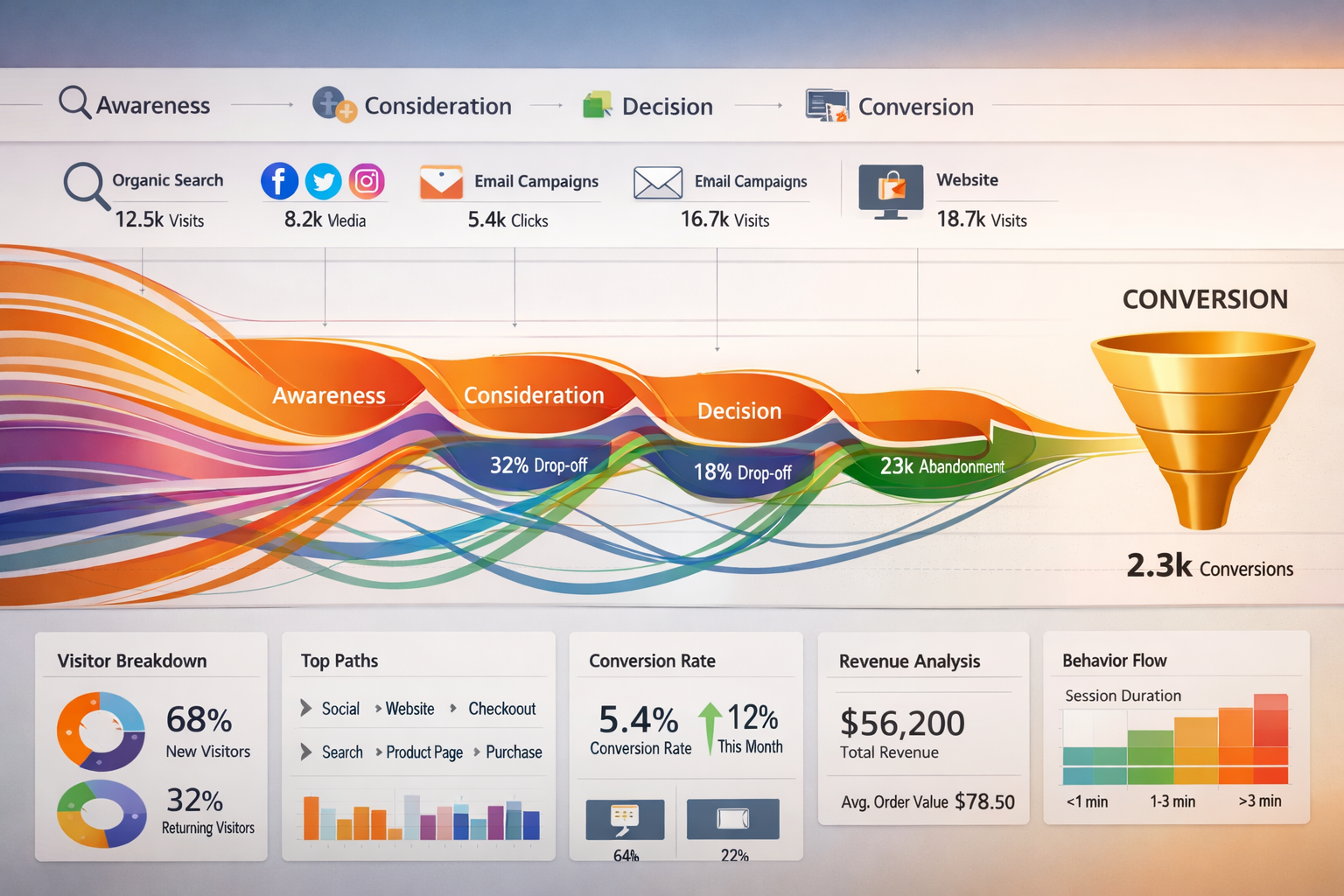
Here's what typically happens.
Someone visits your website. You check Google Analytics. It says they came from "organic search" or "social media." They didn't buy. They left.
Three days later, that same person comes back through a different channel. Maybe they clicked an email link. This time they convert.
Your analytics credits the email. But was it really the email that sold them? Or was it the combination of finding you on Google first, reading your content, then being reminded by the email?
Most standard tracking only shows you the last click before conversion.
That's like watching only the final minute of a football game and trying to figure out why one team won.
You miss all the plays that set up the winning goal.
How Do I Find Out What Paths People Take Before They Buy or Sign Up Using Google Analytics 4?
Google Analytics 4 (GA4) gives you more visibility into customer paths than the old version did.
But it's not automatic. You need to know where to look.
The Path Exploration Report
GA4 includes something called "Path Exploration" under the Explore section.
This shows you the actual sequence of pages or events people go through on your site.
You can see:
- Which pages people visit before converting
- How many steps it typically takes
- Where people drop off
- Common patterns in successful journeys
Set it as a starting point (like landing on your homepage) or ending point (like completing a purchase). The tool shows you what happened before or after.
Multi-Channel Funnels (The Old Reliable)
If you're still using Universal Analytics data or have GA4 properly configured, multi-channel funnels show you how different marketing channels work together.
You might discover that:
- People find you through organic search
- Come back through social media
- Finally convert through direct traffic
Each channel played a role. Multi-channel reports help you see the whole story, not just the last chapter.
User Explorer for Individual Journeys
Sometimes you need to zoom in on actual people.
User Explorer in GA4 lets you see individual user journeys. You can watch how one person moved through your site across multiple sessions.
This isn't scalable for analyzing thousands of visitors. But it's incredibly helpful for understanding behavior patterns.
When you see the same pattern repeated across different users, you've found something worth paying attention to.
Understanding Attribution Models: Which Touchpoint Gets Credit?
Attribution is just a fancy word for "who gets credit for the sale?"
Different attribution models give credit differently.
Last Click Attribution
This gives 100% credit to the final touchpoint before conversion.
Simple. Easy to understand. But often misleading.
It ignores everything that happened before the final click.
First Click Attribution
This gives all credit to the first touchpoint.
Useful if you want to know what's bringing new people into your world.
But it ignores what convinced them to actually buy.
Linear Attribution
Every touchpoint gets equal credit.
Someone visited through Google, then Facebook, then email, then direct? Each gets 25% credit.
More fair, but still doesn't account for which touchpoints actually mattered most.
Time Decay Attribution
Touchpoints closer to the conversion get more credit.
This assumes that recent interactions matter more than old ones.
Often more realistic than linear, especially for longer sales cycles.
Data-Driven Attribution
GA4 uses machine learning to figure out which touchpoints actually influence conversions based on your data.
This is the most accurate option if you have enough traffic for the algorithm to work properly.
For smaller sites, stick with simpler models until you have more data.
Practical Tools to Track Customer Paths in 2026
Beyond Google Analytics, several tools help you see how people move through your marketing.
CRM Systems with Journey Tracking
Most modern CRM platforms track how contacts interact with your business over time.
They log:
- Email opens and clicks
- Website visits
- Form submissions
- Purchase history
When someone converts, you can look back at their entire timeline.
HubSpot, ActiveCampaign, and similar platforms do this automatically once connected to your website.
Heatmaps and Session Recording
Tools like Hotjar or Microsoft Clarity show you what people actually do on your pages.
You can watch recordings of real sessions. See where people click, how far they scroll, where they get stuck.
This doesn't show you cross-channel paths, but it reveals what happens during each visit.
Sometimes the problem isn't your marketing channels. It's what people experience when they arrive.
UTM Parameters for Campaign Tracking
UTM parameters are tags you add to your links.
They tell analytics exactly where traffic came from.
Instead of just "social media," you can see:
- Which specific post
- Which campaign
- Which platform
- Which ad variation
When you use UTM parameters consistently, your analytics dashboard shows you precise paths people take through different campaigns.
How to Actually Use Path Data to Improve Your Business
Seeing the paths is step one.
Using that information is where the value lives.
Identify Your Most Common Conversion Paths
Look for patterns in successful customer journeys.
Maybe you notice that people who read your blog post about X, then visit your pricing page, then download your guide are 3x more likely to buy than people who just visit the homepage.
That's actionable.
You can:
- Create more content like that blog post
- Make the path from blog to pricing to guide easier
- Use that sequence in your email automation
Find Broken Paths
Path analysis also shows you where people get stuck.
Maybe 80% of people who visit Page A then go to Page B never convert. But people who skip Page B and go straight to Page C convert at a high rate.
Page B might be confusing them or scaring them away.
Fix it or remove it from the journey.
Optimize Your Channel Mix
When you see which channels work together, you can invest smarter.
If you notice that social media rarely converts directly but it assists 60% of conversions that eventually happen through email, you know social media is valuable.
Just not in the way you thought.
You might stop expecting direct sales from social and instead focus on using it to build your email list.
Create Content for Each Stage
Customer paths reveal the stages people go through.
Some content attracts strangers. Other content convinces skeptics. Other content closes the deal.
When you map your content to actual customer paths, you can fill gaps.
Maybe you have great top-of-funnel content but nothing for people in the consideration stage. That's why they disappear and don't come back.
Common Mistakes When Tracking Customer Journeys
Mistake 1: Only Looking at Last-Click Data
This is the default in most systems.
It's easy. It's clean. It's wrong.
Always check multi-touch attribution reports to see the full story.
Mistake 2: Not Tracking Offline Touchpoints
If someone hears about you at a conference, then later Googles your name and buys, your analytics will only show "organic search."
You'll miss that the conference was the real driver.
Ask new customers how they heard about you. Add that context to your data.
Mistake 3: Ignoring Small Sample Sizes
If you only get 10 conversions a month, your path data will be noisy.
Patterns might not be real patterns. They might just be coincidence.
Collect data over longer periods before making big decisions.
Mistake 4: Making It Too Complicated
You don't need to track every single micro-interaction.
Start with the big stuff:
- How did they first find you?
- What did they do on their first visit?
- What brought them back?
- What happened right before they converted?
That's enough to make better decisions.
Setting Up Your First Customer Journey Tracking System
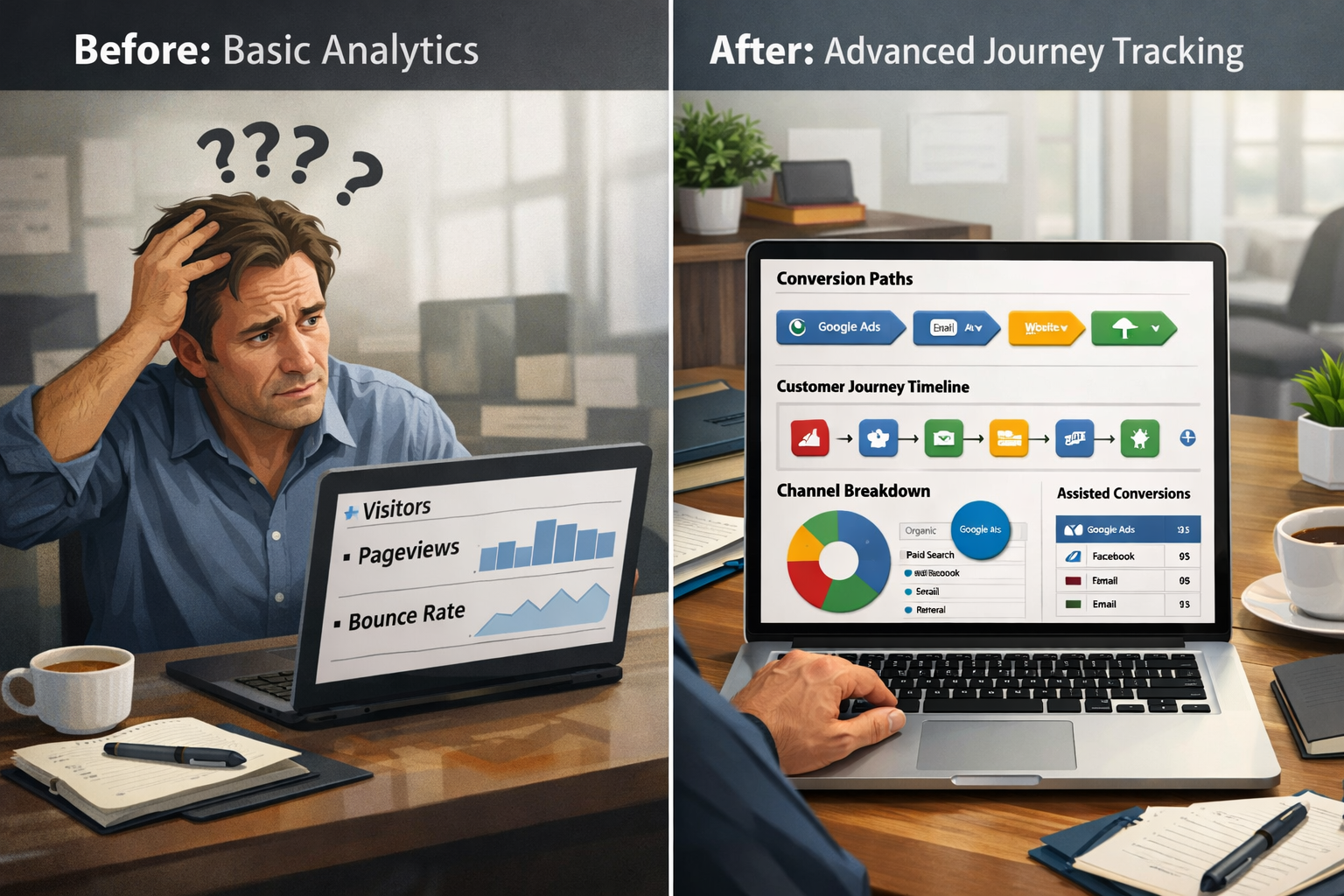
If you're starting from scratch, here's a simple approach.
Step 1: Make Sure Basic Tracking Works
Confirm that Google Analytics is properly installed on every page of your site.
Set up conversion tracking for your key actions (purchases, signups, contact form submissions).
Without accurate conversion tracking, nothing else matters.
Step 2: Implement UTM Parameters
Create a simple system for tagging your links.
Every email campaign, social post, and ad should have UTM parameters that identify:
- Source (where it's posted)
- Medium (type of traffic)
- Campaign (what you're promoting)
Consistency matters more than perfection here.
Step 3: Enable GA4 Path Exploration
Go into GA4, click Explore, and create a Path Exploration report.
Set your conversion event as the ending point.
Look at what happened in the steps before conversion.
Save this as a regular report you check monthly.
Step 4: Review and Adjust Monthly
Set a recurring calendar reminder to review your path data.
Look for:
- New patterns emerging
- Changes in common paths
- Channels that assist conversions
- Content that appears frequently in successful journeys
Make one or two changes based on what you find.
Test. Measure. Repeat.
How Do I Find Out What Paths People Take Before They Buy or Sign Up Without Expensive Tools?
You don't need enterprise software to get started.
Google Analytics 4 is free. UTM parameters cost nothing. Asking customers "how did you hear about us?" is free.
The limitation isn't tools. It's attention and consistency.
Most business owners set up tracking once, then never look at it again.
The ones who succeed check their data regularly, spot patterns, and adjust based on what they learn.
If you want more sophisticated tracking without building it yourself, platforms like Opal44 can help simplify customer journey analysis for small to medium businesses. But start with the free tools first. Learn what questions you're trying to answer. Then decide if you need more.
Real-World Example: Following the Path from Stranger to Customer
Here's how this works in practice.
Imagine you run a software company. Someone converts to a paid customer. You look at their journey:
Day 1: Found your site through Google search for "project management tools"
Day 1: Read blog post about remote team collaboration
Day 1: Left without taking action
Day 8: Returned through Facebook ad
Day 8: Visited pricing page
Day 8: Left again
Day 12: Clicked link in your weekly newsletter
Day 12: Watched product demo video
Day 12: Started free trial
Day 19: Received "trial ending soon" email
Day 19: Logged into trial account
Day 19: Upgraded to paid plan
What does this tell you?
- Blog content attracts the right people (they searched for exactly what you offer)
- One visit isn't enough (they needed multiple touchpoints)
- Facebook ads bring people back who already know you (retargeting works)
- Email keeps you top of mind during consideration
- The demo video is important in the decision process
- Trial-ending emails drive urgency
You could act on this by:
- Creating more blog content about remote team collaboration
- Setting up Facebook retargeting for blog readers
- Making sure everyone who visits pricing gets added to your email list
- Promoting the demo video more prominently
- Improving your trial-ending email sequence
One customer journey revealed six actionable insights.
Multiply that across hundreds of customers and you have a roadmap for growth.
The Human Side of Customer Paths
Behind every path is a person making decisions.
They're not following your marketing funnel. They're living their life.
They got distracted. They needed to think about it. They had to convince their boss. They forgot about you and then remembered when they saw your email.
Understanding paths helps you meet people where they are.
If you know most people need three visits before they're ready to buy, you stop panicking when someone doesn't convert immediately.
You build systems that stay helpful across multiple touchpoints instead of trying to close the sale on visit one.
This makes your marketing more patient. More human. More effective.
Conclusion: Start Tracking Paths Today
Figuring out how do I find out what paths people take before they buy or sign up doesn't require a marketing degree or expensive software.
It requires:
- Setting up basic tracking correctly
- Looking at the data regularly
- Spotting patterns
- Making small improvements based on what you learn
Start with Google Analytics 4's Path Exploration report. Add UTM parameters to your campaigns. Ask new customers how they found you.
Do that consistently for three months and you'll know more about your customer journeys than 90% of your competitors.
The businesses that grow aren't the ones with the fanciest tools. They're the ones that pay attention to what's actually working and do more of it.
Your customers are already telling you what works. Their paths through your marketing show you exactly what to do next.
You just need to look.
Ready to see your customer journeys more clearly? Sign up to start tracking what actually drives your conversions, or contact us if you need help getting started.
SEO Meta Title and Description
Meta Title: How to Track Customer Paths Before They Buy (2026 Guide)
Meta Description: Discover how to find out what paths people take before they buy or sign up. Simple tracking methods and tools to understand your customer journey in 2026.
Other frequently asked questions
- How Do I Check Which Pages People Spend the Most Time On
- How Do I Track Sales From My Google Ads Campaigns
- Will AI Take Over Data Analytics
- How Do I Track Phone Calls or Email Clicks as Conversions
- How Do I Track How Many People Fill Out My Contact Form
- How Do I Track How Many People Watch a Video or Download a Brochure
- How Do I Know Which Pages Lead to the Most Conversions
- How Do I See Where Most People Drop Off During Checkout
- How Do I See Where My Website Visitors Are Coming From
- How Do I See Which Blog Posts Bring Me the Most Visitors
- How Do I Check if My Homepage Is Actually Performing Well
- How Do I Find Out How Long It Takes Someone to Become a Customer
- How Do I Find Out What Paths People Take Before They Buy or Sign Up
- How Do I Measure Which Traffic Source Brings the Most Paying Customers
- How Do I See if Discounts or Offers Increase Sales
- How to See What Visitors Do First When They Land on Your Site