How Do I See Where My Website Visitors Are Coming From? A Complete Guide for Business Owners
Picture this: You wake up to find 500 new visitors on your website overnight. Great news, right? But here's the thing - you have no idea where they came from. Was it that social media post? The Google ad you're running? Or maybe someone shared your content somewhere you don't even know about.
Understanding "How do I see where my website visitors are coming from?" isn't just about satisfying curiosity. It's about making smarter decisions with your marketing budget and time.
Key Takeaways
- Google Analytics is the most comprehensive free tool for tracking visitor sources
- Traffic sources fall into five main categories: organic search, direct, referral, social, and paid
- Setting up tracking takes less than 30 minutes but provides years of valuable insights
- Regular monitoring helps you double down on what's working and cut what isn't
- Simple reports can guide major business decisions about where to invest your marketing efforts
Understanding Website Traffic Sources: The Foundation
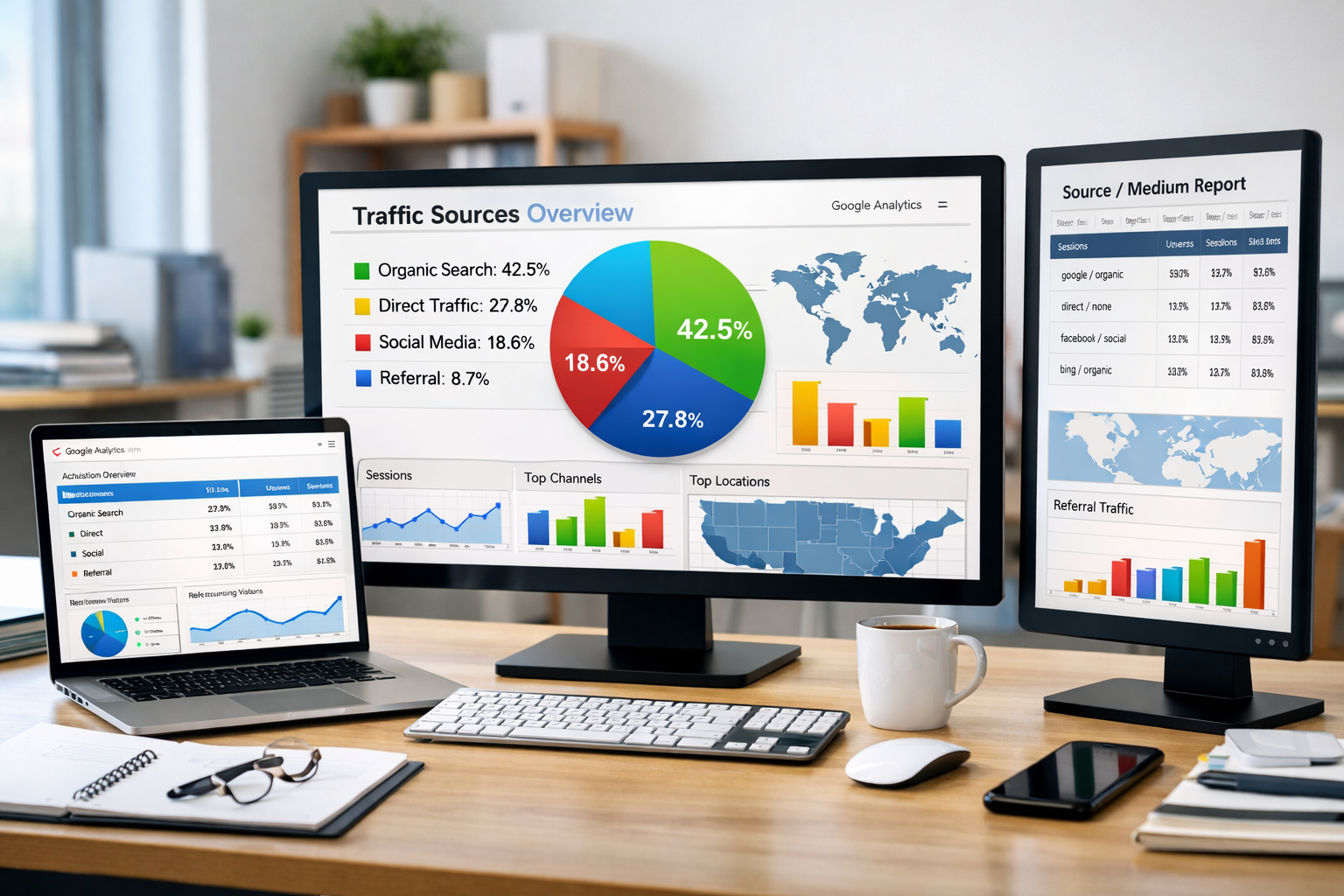
Before diving into the "how," let's clarify what we're actually tracking.
Website traffic sources tell you the path visitors took to reach your site. Think of it like knowing which door people used to enter your store.
The five main traffic sources are:
- Organic Search: People who found you through Google, Bing, or other search engines
- Direct Traffic: Visitors who typed your URL directly or used bookmarks
- Referral Traffic: Clicks from other websites linking to yours
- Social Media: Traffic from Facebook, LinkedIn, Twitter, Instagram, and other platforms
- Paid Advertising: Visitors from Google Ads, Facebook Ads, or other paid campaigns
Each source tells a different story about your marketing effectiveness.
How Do I See Where My Website Visitors Are Coming From? The Google Analytics Method
Google Analytics remains the gold standard for tracking visitor sources. It's free, comprehensive, and trusted by millions of websites.
Setting Up Google Analytics (2026 Version)
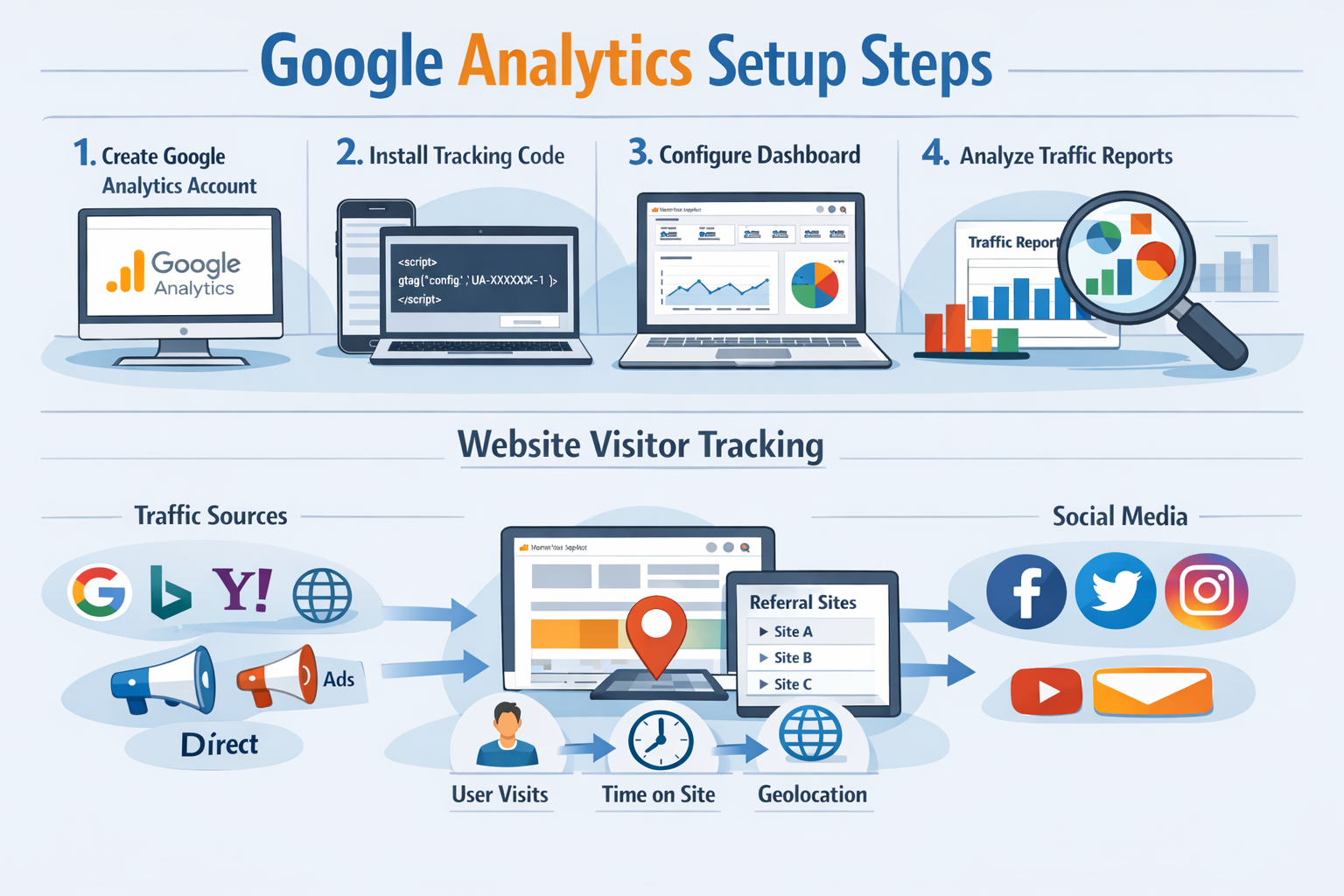
Step 1: Create Your Account
Visit Google Analytics and sign up with your Google account. You'll need to provide basic information about your website and business.
Step 2: Install the Tracking Code
Google will provide a tracking code (called a "tag"). This small piece of code goes on every page of your website. Most website builders like WordPress, Squarespace, or Shopify have simple ways to add this code.
Step 3: Verify It's Working
Within 24 hours, you should start seeing data in your analytics dashboard. The initial setup is straightforward, but the insights you'll gain are invaluable.
Reading Your Traffic Source Reports
Once your tracking is active, here's how to find your visitor source information:
Navigate to Reports > Acquisition > Traffic Acquisition
This report shows exactly where your visitors are coming from. You'll see a breakdown by source and medium.
Key metrics to watch:
- Users: How many people visited from each source
- Sessions: Total visits (some people visit multiple times)
- Bounce Rate: Percentage who left after viewing one page
- Average Session Duration: How long people stay on your site
The data reveals patterns. Maybe your social media drives lots of traffic, but those visitors leave quickly. Or perhaps organic search brings fewer visitors, but they stay longer and convert better.
Alternative Tools for Tracking Visitor Sources
While Google Analytics is comprehensive, other tools can provide additional insights or simpler interfaces.
Simpler Analytics Platforms
Google Search Console focuses specifically on how people find you through search engines. It shows which search terms bring visitors to your site.
Social Media Analytics built into platforms like Facebook, LinkedIn, and Instagram show traffic they send to your website.
Website Builder Analytics from platforms like Squarespace, Wix, or WordPress often include basic traffic source information.
When to Consider Paid Tools
Most small businesses find Google Analytics sufficient. However, you might need additional tools if:
- You're running complex marketing campaigns across multiple channels
- You need real-time visitor tracking
- You want more detailed competitor analysis
- Privacy regulations require specific data handling
For most business owners, starting with free tools makes sense. You can always upgrade later as your needs become more sophisticated.
How Do I See Where My Website Visitors Are Coming From? Interpreting Your Data
Raw data means nothing without interpretation. Here's how to turn numbers into actionable insights.
Identifying Your Best Traffic Sources
Look beyond just visitor numbers. The "best" traffic source depends on your goals.
For brand awareness, focus on:
- Total visitors
- New vs. returning visitors
- Geographic distribution
For sales or leads, prioritize:
- Conversion rates by source
- Average order value
- Cost per acquisition
For content engagement, examine:
- Pages per session
- Time on site
- Bounce rate
Red Flags in Your Data
Certain patterns indicate problems worth investigating:
High bounce rates from specific sources might mean your content doesn't match what those visitors expect.
Sudden traffic spikes could indicate viral content, but also potential bot traffic or spam.
Low conversion rates from paid advertising suggests your ads might be targeting the wrong audience.
Making Data-Driven Decisions
Use your traffic source data to guide marketing investments.
Double down on what works. If organic search brings your best customers, invest more in SEO and content creation.
Investigate underperformers. Low social media traffic might mean you need better content or more consistent posting.
Test new channels strategically. If you're not getting referral traffic, consider guest posting or partnership opportunities.
Common Mistakes When Tracking Website Visitor Sources
Even with good tools, many business owners make tracking errors that skew their data.
Installation Problems
Missing tracking codes on some pages create incomplete data. Every page needs the analytics code, including thank-you pages, contact forms, and blog posts.
Multiple tracking codes can cause double-counting. This happens when you switch analytics tools but forget to remove old codes.
Misinterpreting Data
Ignoring mobile vs. desktop differences can lead to wrong conclusions. Your traffic sources might vary significantly between devices.
Not accounting for seasonal patterns makes you panic about normal fluctuations or miss genuine problems.
Focusing only on traffic volume instead of quality metrics like conversion rates and customer lifetime value.
Privacy and Compliance Issues
Cookie consent requirements in many regions affect data collection. Make sure your privacy policy clearly explains what data you collect and why.
Ad blockers and privacy tools used by visitors can block tracking, making your data incomplete. This affects all websites, so don't take it personally.
Advanced Techniques for Understanding Visitor Sources
Once you're comfortable with basic tracking, these advanced techniques provide deeper insights.
UTM Parameters for Campaign Tracking
UTM parameters are special codes you add to links in your marketing campaigns. They help you track exactly which email, social post, or ad brought each visitor.
Example: Instead of sharing yourwebsite.com, you'd share yourwebsite.com?utm_source=facebook&utm_medium=social&utm_campaign=spring2026
This level of detail helps you understand not just that social media works, but which specific posts or campaigns perform best.
Cross-Device Tracking
Modern visitors often research on mobile and buy on desktop. Advanced analytics can connect these journeys, giving you a complete picture of how people interact with your brand.
Attribution Modeling
This technique helps you understand the full customer journey. Instead of crediting only the last source before a purchase, attribution modeling shows how multiple touchpoints contribute to conversions.
For most small businesses, these advanced techniques aren't necessary initially. Focus on getting the basics right first.
Conclusion
Understanding where your website visitors come from transforms guessing into strategic decision-making. You'll know which marketing efforts actually work and which ones waste your time and money.
Start with these immediate actions:
- Install Google Analytics if you haven't already - it takes 30 minutes but provides years of insights
- Check your traffic sources weekly to spot trends and opportunities early
- Focus your efforts on the sources that bring your best customers, not just the most traffic
- Document what you learn so you can track improvements over time
The goal isn't to become an analytics expert overnight. It's to make better decisions about where to spend your marketing time and budget.
Ready to take control of your website's performance? Get started with proper analytics tracking and transform your marketing from guesswork into a strategic advantage.
Remember: every successful business owner started exactly where you are now - wondering where their visitors come from. The difference is taking action to find out.